 Categories






Wix for Everyone: Learn, Build, Launch
☰

Wix for Everyone: Learn, Build, Launch
- (0 Reviews)
- 22 students enrolled
Wix for Everyone: Learn, Build, Launch
A beginner-friendly session designed to help anyone create a professional website using Wix. In this workshop, participants will learn the basics of Wix, how to design pages, customize elements, add features, and publish their website confidently—without any coding.
- (0 Reviews)
- 22 students enrolled
Requirements
- A free Wix account (signup before the session is recommended) Basic browsing knowledge Optional: Any content (text, images, logo) they want to use in their website
Description
How to navigate the Wix Editor How to design pages and customize elements Adding essential features: forms, galleries, menus, and more Using Wix apps and integrations Mobile optimization Publishing and managing your website Best practices for design and user experience
Recent Courses
- September, 30th 2026
- 7
A visual introduction to Blue Eyes Technology — IBM's pioneering research into computers that sense human attention, emotion,..
- Free
- September, 22nd 2026
- 12
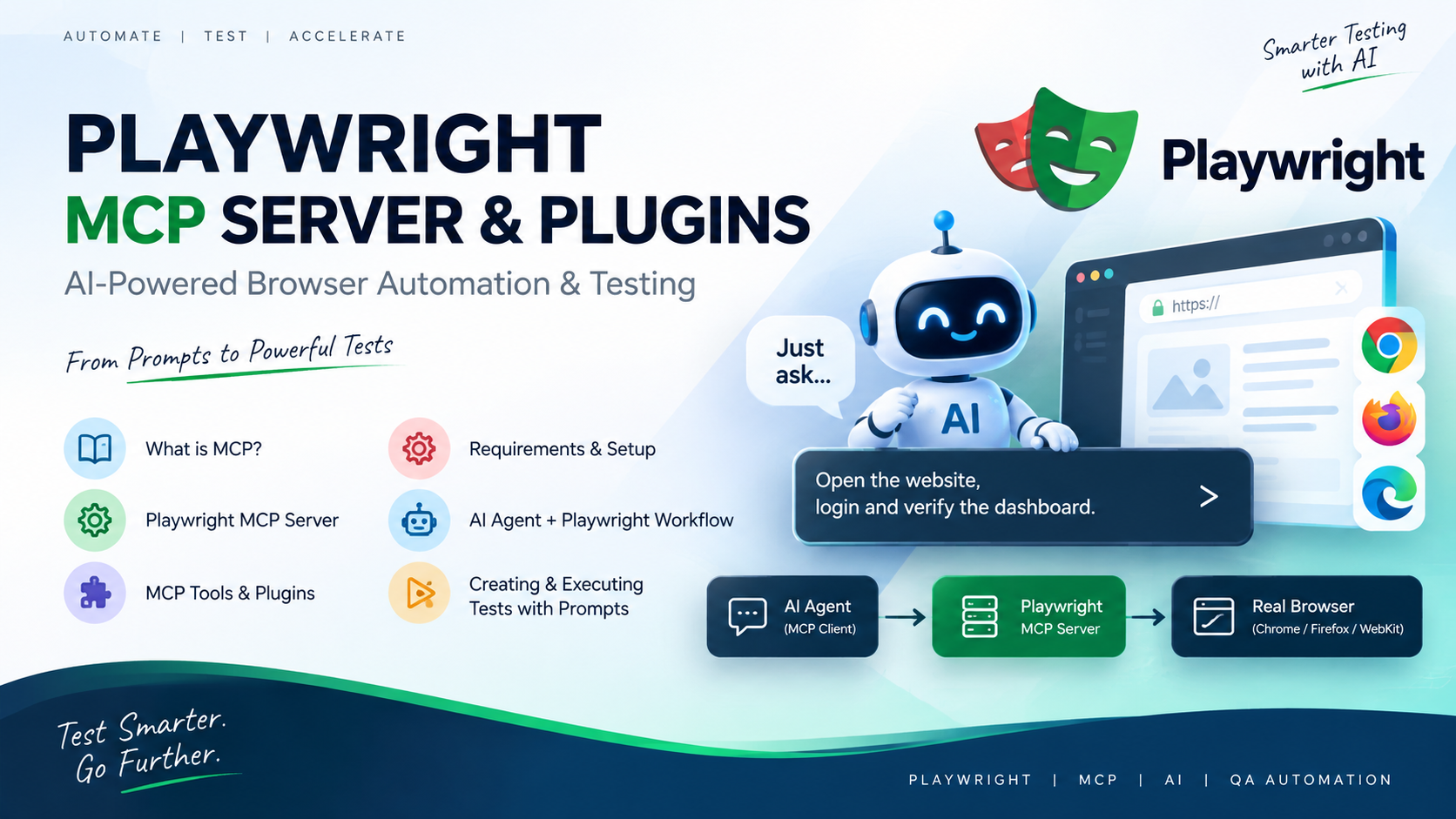
1. What is MCP? MCP (Model Context Protocol) is a standard that allows AI models to connect with external tools and use th..
- Free

- September, 21st 2026
- 47
Protecting data isn't only an IT responsibility. Every person who accesses, stores, sends, or handles information is part of..
- Free

- September, 17th 2026
- 13
Secure Coding Practices :2026-2027 :Q2
- Free
About Instructor

About Instructor